Skip to content
QooYi
  • Home
  • News
  • Tech
  • Featured
  • Reviews
  • Shopping Guide

Windows 8

Windows Store

Tech

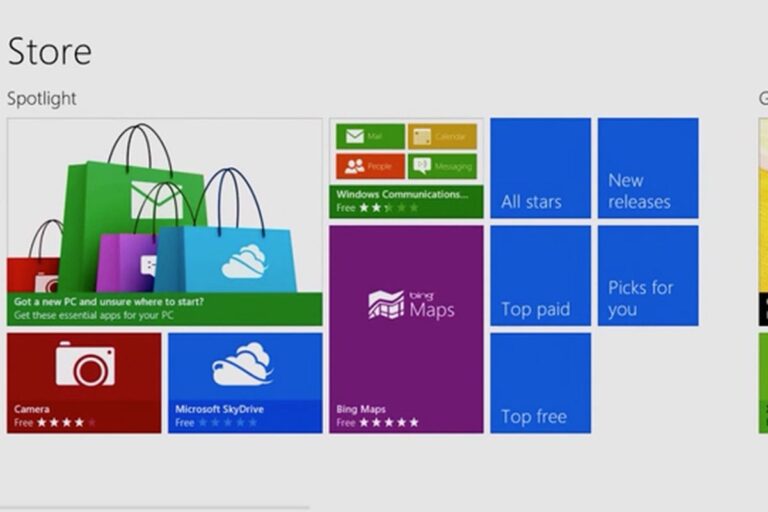
How to disable Windows Store in Windows 8

How to disable the Windows Store in Windows 8. Windows 8 brings with it a new application called the Windows Store from which you can ... Read more

Written by: Samuel .A

Published on: April 4, 2024
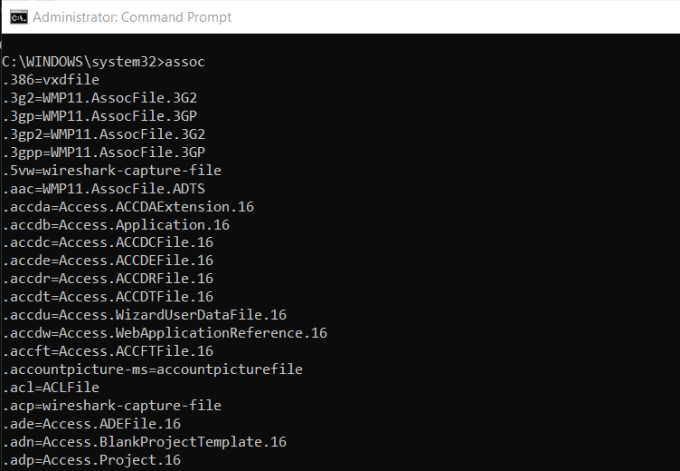
Command Prompt

Tech

How to open the Command Prompt

Written by: Samuel .A

Published on: March 24, 2024

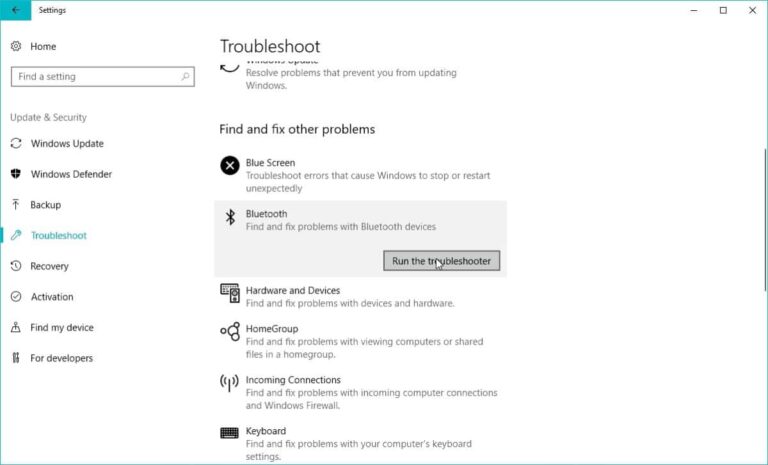
Bluetooth Troubleshooter

Tech

How to Fix Bluetooth won’t turn on in Windows 10

Written by: Samuel .A

Published on: March 11, 2024
Browser For Windows

Tech

What Version of Windows do I have?

Written by: Samuel .A

Published on: March 3, 2024

Highjack PC

Tech

How to know if someone has used my PC Windows 10, 8, 7

Written by: Samuel .A

Published on: February 5, 2024

WIndows 10 System Restore

Tech

What is System Restore?

Written by: Samuel .A

Published on: January 27, 2024

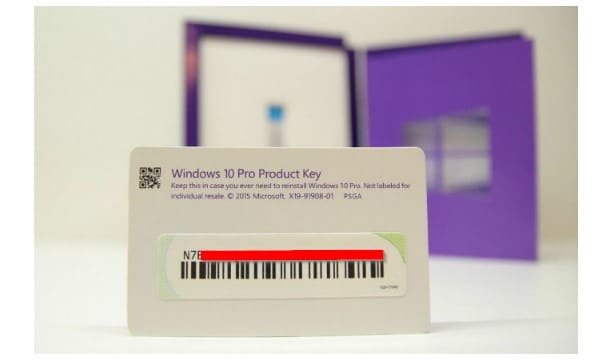
Windows Product Key

Tech

How to recover your Windows product key When Lost

Written by: Jude Chukwuemeka

Published on: January 2, 2024

block any website on Windows

Tech

Block websites on Windows 10, 8, 7 without installing programs

Written by: Samuel .A

Published on: December 25, 2023

Browser For Windows

Tech

Are you unable to upgrade from Windows 7 to 10? Here’s what to do

Written by: Samuel .A

Published on: November 28, 2023

Windows Firewall

Tech

How to disable Windows Firewall in Windows 10, 8, 7, Vista and XP

Written by: Samuel .A

Published on: October 18, 2023

About

QooYi is the ideal place for those looking for gadget reviews, insights, and guides as well as news, rumors, previews, and official information on everything related to technological and digital products. Know More!

  • Yeedi Vac Max
  • Xiaomi Imilab W12 Watch
  • Vidlok Business Webcam W91
  • Soundcore Motion Q
  • Anker’s PowerCore+ 20100
  • Blackview AirBuds 5 Pro
  • Xiaomi Imilab W12 Watch
  • Magicsee N5 Plus TV Box

Looking for something

  • About Us
  • Contact Us
  • Privacy Policy
Copyright © 2026 – QooYi | All Rights Reserved.