Social media platforms like WhatsApp and Messanger started out as just messaging Apps, but with the advancement in technology over time, they’ve been able to integrate video and voice calls into their Apps.
Page Contents:
Different people have different reasons they want to record calls, could be to serve as evidence in the future. Some phones come with inbuilt screen recorders, but in case your device does not support this feature, there are third-party Apps available to this effect.
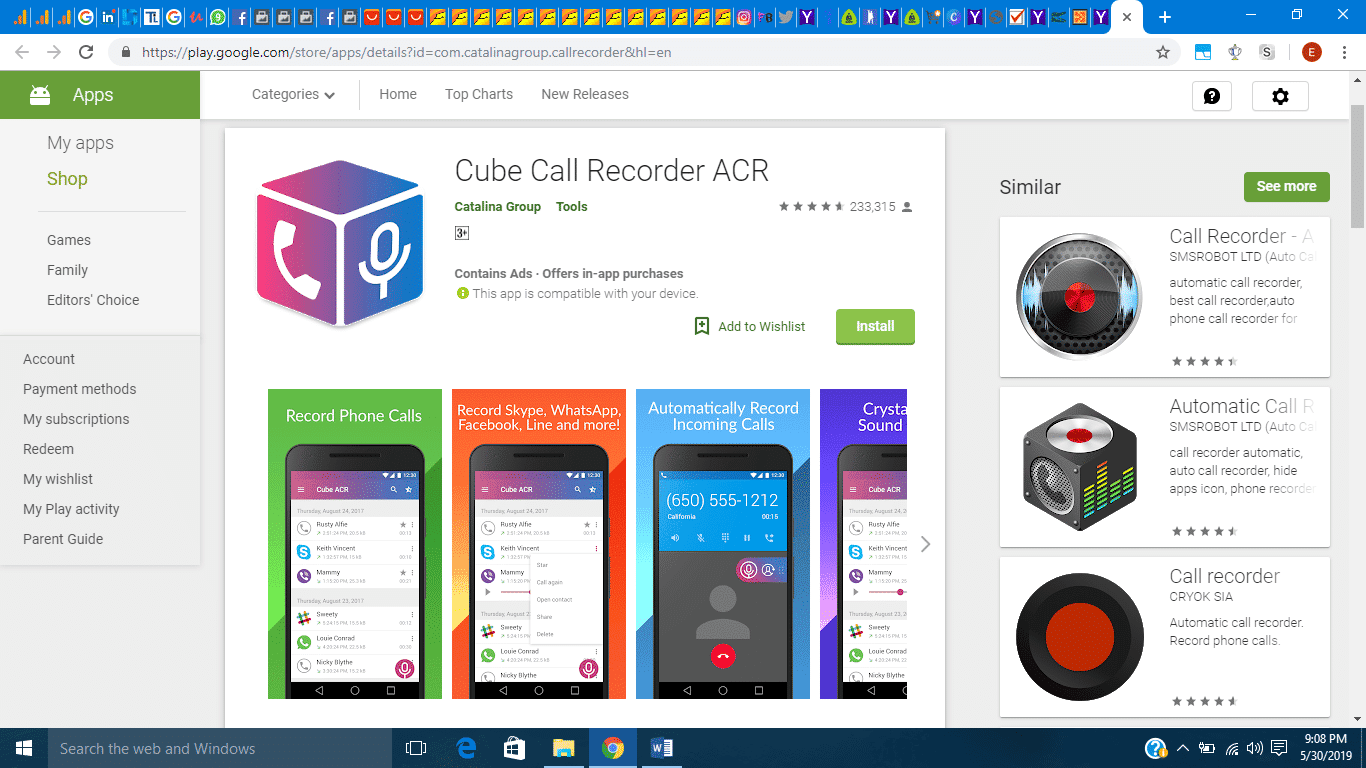
Cube call recorder ACR
With this App, you are not limited to just cellular calls but you can also record calls made via VoIP services, Including WhatsApp and Skype. The App comes completely with a dark theme and it has a clean uncluttered interface which makes it very easy to navigate.
With cube call recorder, you can choose to have your recordings start automatically or to exclude some contacts.
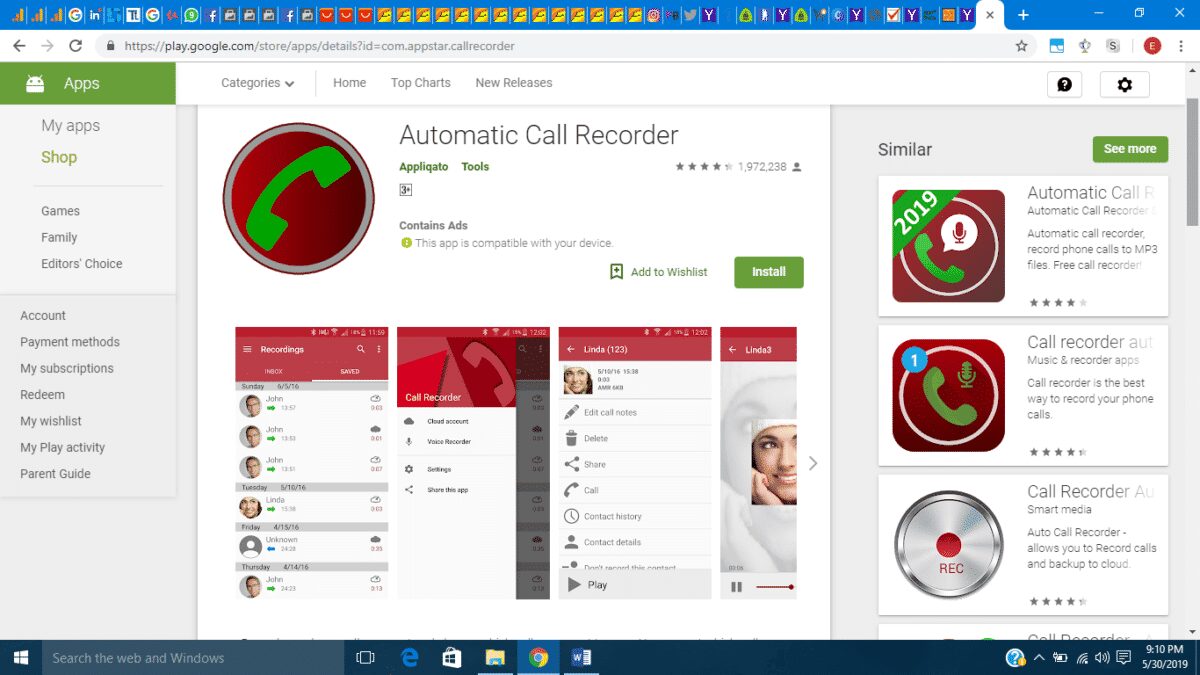
Automatic call recorder
Just like the cube call recorder, Automatic call recorder allows you to record calls automatically. It records high quality incoming and outgoing calls, it also allows you to listen to them and rename them. A password feature is also available to prevent unwanted access to recorded calls.
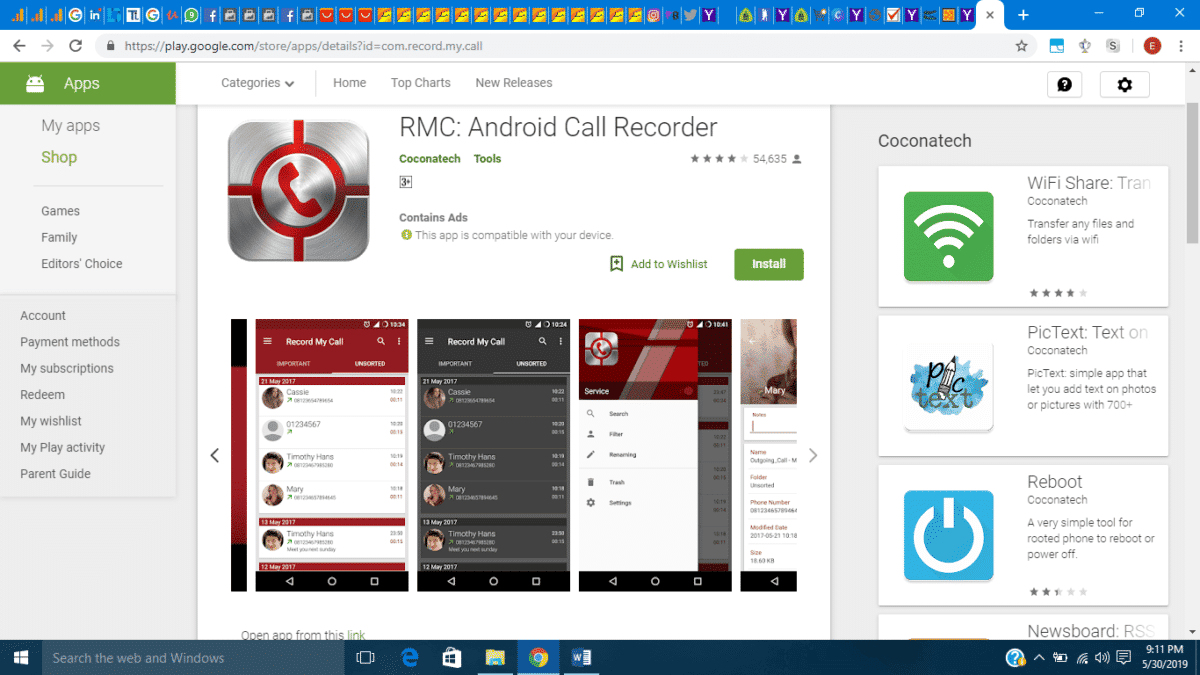
RMC Android Call Recorder
This App comes with even more interesting features. It allows you to record calls in different formats including; MP3, WAV, AMR, MP4, and 3GP. Just like the other Apps, RMC recorder offers the automatic record feature, autoDelete, Password feature. You can also connect your RMC recorder to your Google Drive or Dropbox account and save call records on them.