
As the days go by, the sync between Instagram and Facebook just keeps getting better. One feature you can take advantage of as a result of the sync is the ability to cross-share your Instagram posts and stories on Facebook to gain even more reach for your content. In this guide, we will show you how to automatically share your Instagram posts and stories on Facebook.
How to Automatically Share Your Instagram Posts and Stories on Facebook
Before you can use this feature, you need to, first of all, link your Facebook and Instagram accounts.
First off, go to the Instagram app on your mobile device.
Once in the app, tap on your profile picture to go to your profile page.
Now, tap on the three-line menu in the top right corner of the screen. This will open a side menu. From the menu, tap on the “Settings” option.
Now, tap on the “Accounts Center” option at the bottom of the Settings page.
Now, go to the “Accounts and Profiles” section.
Tap on the “Add Accounts” option and then enter your Facebook details to sign in to your account.
Once you have signed in, you will see a prompt from Instagram asking you whether you want to enable “connected experiences.”
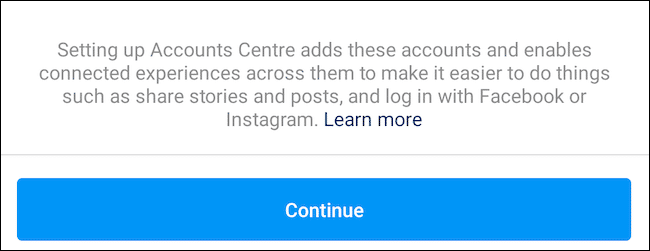
If you enable this feature, you will be able to cross-post content and also be able to access other Facebook features including Messenger’s instant messaging features, through Instagram. Once it is enabled, Facebook will also be allowed to club your data from both platforms to personalize ads and suggest new profiles for you to follow on Instagram.
Once you are done, select the “Continue” button and then tap on “Finish Setting Up.”
Now, return to the “Accounts Center” and then tap on the “Your Story and Posts” link.
Next, tap on the toggle next to the “Your Instagram Story” option under the “Automatically Share” section. this will cross-post each one of your future Instagram posts to Facebook. You can also enable the “Your Instagram Posts” option. This will apply the setting to your grid posts.
Instagram also allows you to automatically forward your Instagram posts and stories to the timeline of a Facebook page by using the “Share to” menu.