
Samsung has released the latest firmware version in July for various Samsung Galaxy smartphones and this version has added a QR Scanner feature to scan QR codes from the camera without having to install any app.
How to use QR Scanner on Samsung Galaxy
To use the default QR Scanner on Samsung Galaxy, open the camera and scan or drag the Notifications bar down and select QR Scanner as well. After scanning, a pop-up message will be pop-up. If it is a link, we can tap to go to that link immediately.
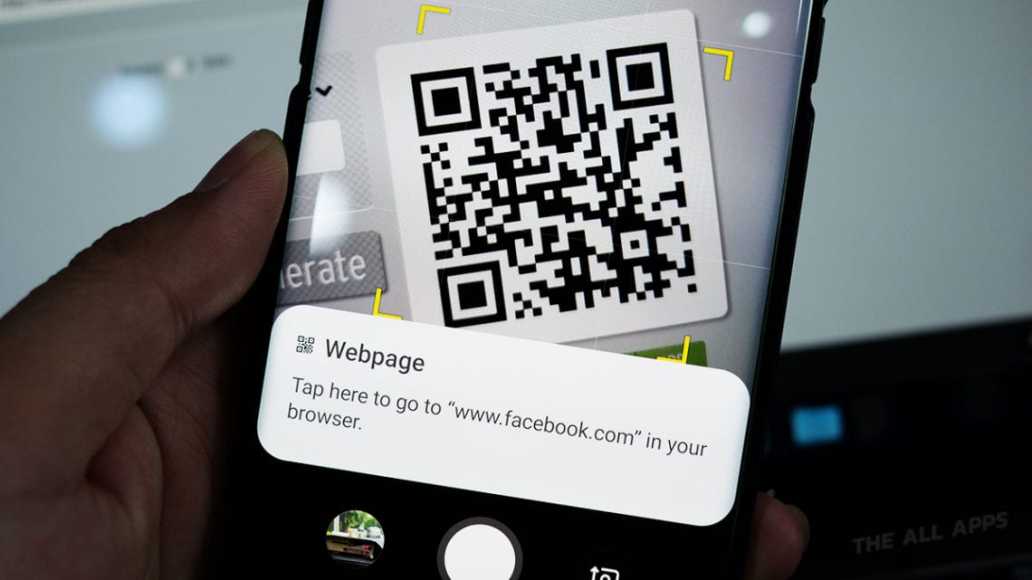
It can be more convenient after having previously used QR Code scanning on your phone or having to install additional applications. But now, you can just open the camera to scan conveniently. Anyone who wants to try scanning can scan the QR Code below. Do not forget to like, TechVaz fan page.
DONT MISS- How NFC Functions in Smartphones
See tips and tricks on how to use various Samsung Galaxy smartphones here. Samsung Galaxy Tips